


Table of Contents
- Before You Track: Return Shipments Start in Your Account
- Where to Find Your Marketplace Return Tracking Number
- Tracking a Return Label: Reading Each Shipment Status
- Return Tracking Not Updating? Troubleshoot It in Order
- Marketplace Return Delivery Confirmation and Proof of Delivery
- Marketplace Refund After Return Tracking: What to Expect
- Frequently Asked Questions
Last Updated: October 19, 2026
Before You Track: Return Shipments Start in Your Account
Learning how to track marketplace return shipments starts with one fact: the tracking number lives inside your account, not in your memory. At MixVanta, we see the same pattern constantly. Buyers hunt through email inboxes while the label sits one click away in their order history. Sellers refresh carrier pages when their own returns report already holds the answer.
A return shipment is any package moving back to a seller after a buyer sends it. Every return shipment has a lifecycle: request, label, first scan, transit, delivery, refund. Tracking is simply watching that lifecycle move.
Here's the good news. Both sides of a marketplace see the same data, just through different screens. Below, we break down the buyer path, the seller path, and what to do when the scans stop.
Buyer Path: Open the Order, Then the Return
Buyers should follow this order:
- Sign in and open My Orders or your purchase history.
- Find the shipped order and tap Return details or Return status.
- Copy the tracking number shown next to the carrier name.
- Tap the carrier link to see live status updates.
If the order page shows no return yet, check that the return request was actually submitted. A saved draft is not a submitted request.
Seller Path: Returns Report and Return Details
Sellers have a faster route. Open your seller portal and go to the returns report. Filter by return status, then open the individual return to see the buyer's tracking number, return reason, and shipment timeline.
Two habits separate organized sellers from overwhelmed ones:
- Check the returns report daily, not weekly.
- Match each return to its original order before issuing any refund.
Where to Find Your Marketplace Return Tracking Number
Your marketplace return tracking number is a string of digits and letters assigned by the carrier when the return label is created. It appears in three places, in this order of reliability:
- The return details page in your account, buyer or seller side.
- The label email sent when the return was approved.
- The carrier barcode printed on the physical label itself.
That third one matters more than people think. If the email was deleted and the account page glitches, the printed label is your proof. Photograph it before you tape the box shut.
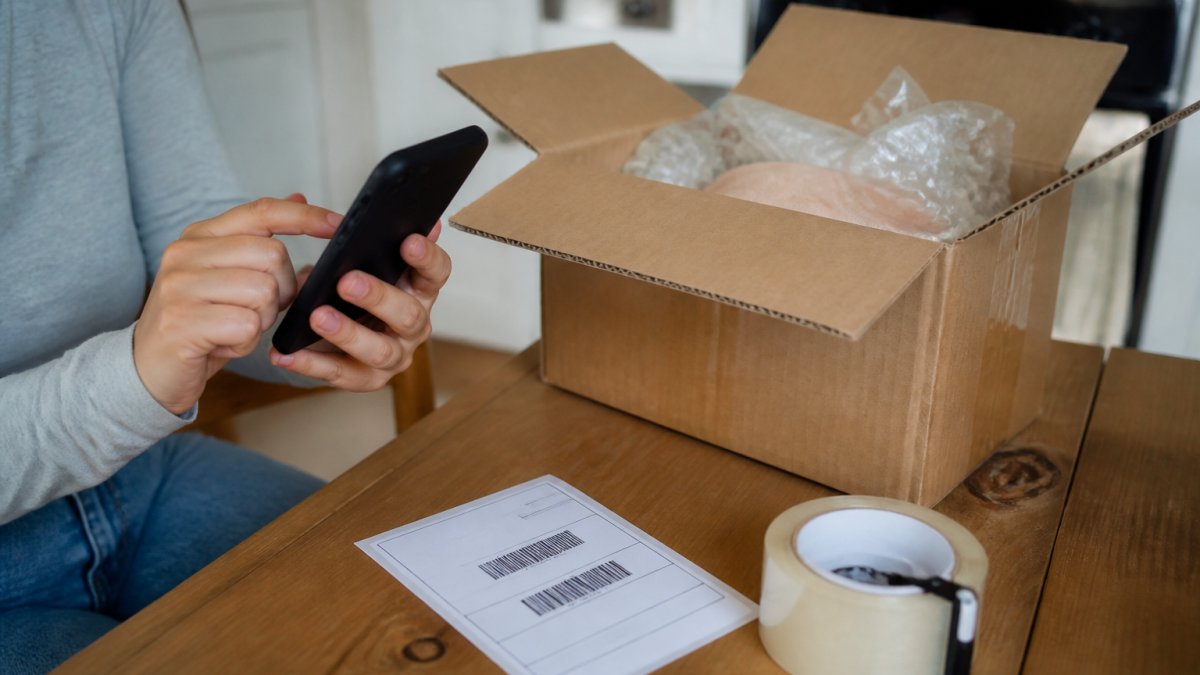
Label Emails, Attachments, and the Carrier Barcode
Label emails often hide the number in a PDF attachment rather than the message body. Open the attachment and look for a barcode with a number printed beneath it.
A common mistake is copying the order number instead of the tracking number. They look similar and both are long. The order number identifies the purchase. Only the tracking number works on a carrier's tracking page.
Tracking a Return Label: Reading Each Shipment Status
A return label moves through predictable stages. Each tracking event is a timestamped scan, and each scan tells you where the shipment is and what happens next.
| Shipment Status | What It Means | What to Do |
|---|---|---|
| Label created | Number issued, package not scanned yet | Ship within the return window |
| Accepted / in transit | Carrier has the package | Wait; no action needed |
| Arrived at facility | Moving through the carrier network | Monitor for stalls over several days |
| Out for delivery | Final leg to the seller | Seller should prepare to inspect |
| Delivered | Package reached the return address | Confirm proof of delivery |
| Refund issued | Seller or marketplace processed the return | Check your payment method |
Read statuses top to bottom and trust the latest scan. A package can sit at "label created" for a day or two before its first real scan, and that gap is normal.
Return Tracking Not Updating? Troubleshoot It in Order
When return tracking is not updating, the cause is almost always one of four things: the label was never scanned, the package was scanned under a different number, the carrier missed a scan, or the shipment is genuinely stalled. Work through these checks in sequence before contacting anyone.
- Confirm the number is right. One wrong digit returns "not found." Compare the number on the carrier page against the return details page character by character, not just the first and last digits.
- Wait one full business day. First scans lag behind label creation. A label created Friday evening often shows no scan until Monday or Tuesday.
- Check the carrier's own site. Marketplace pages sometimes refresh slower than the carrier's tracking page. If the carrier shows a scan the marketplace does not, trust the carrier and screenshot both.
- Look for a status exception. Weather, address issues, and refused deliveries all show as exceptions. An exception is not the same as a stall, it is an active status that usually resolves or requires a carrier contact.
- Contact the carrier with the tracking number. Ask for a location update and a reference number for the call. Carriers can see internal scans that do not publish to the public tracking page.
- Open a case with the marketplace. Do this before the return window closes, and attach the tracking number, the carrier reference number, and screenshots of every scan.
Missing, Inactive, or Stalled Scans
A tracking number that shows "inactive" usually means the carrier never scanned the package. That points to one of three causes: the label was never used, the package was dropped at the wrong carrier, or the scan was simply missed at pickup. Inactive numbers are common in the first 24 to 48 hours after label creation and are not, by themselves, a reason to panic.
Stalled scans are different. The package moved, then stopped. If a shipment sits at the same location for several business days, ask the carrier for an update. Keep a written record of every contact, including dates and reference numbers. A pattern many sellers follow is to flag any return that has not moved in three business days and escalate it to the marketplace before the return window closes.
Why Scans Go Missing
Carrier scans are not continuous. A package is scanned at pickup, at sort facilities, and at delivery, but not at every handoff. Gaps of a day or more between scans are normal, especially on ground services and during peak periods. A missing scan is not proof of a lost package; a missing scan plus a missed delivery estimate is a stronger signal.
If the delivery estimate passes with no delivered scan, treat the shipment as at risk. Contact the carrier first, then the marketplace. Do not wait for the return window to close while the package sits in limbo.
Marketplace Return Delivery Confirmation and Proof of Delivery
Marketplace return delivery confirmation is the carrier's record that the package reached the return address. It is the single most important event in the whole return workflow, because most refunds wait for it.
Proof of delivery goes further. It can include a delivery timestamp, a scan at the receiving dock, and sometimes a signature or photo. Sellers should save this record against the order. Buyers should screenshot it the moment it appears.
If tracking says delivered but the seller reports nothing arrived, ask the carrier for the delivery location details. Then open a marketplace case and attach the proof. That record is what a returns team reviews.
Marketplace Refund After Return Tracking: What to Expect
A marketplace refund after return tracking typically follows delivery confirmation, not label creation. The sequence is: delivered scan, seller inspection, refund issued to the original payment method. Timing depends on the seller and the platform. Some refunds process automatically once delivery is confirmed. Others wait for a manual inspection. Either way, the tracking record is your evidence if the refund stalls.
The Refund Sequence, Step by Step
- Delivered scan. The carrier records the package at the return address. This is the trigger most marketplaces wait for.
- Inspection window. The seller or marketplace inspects the item. Inspection windows vary widely; a common pattern is a few business days after delivery, but some categories take longer.
- Refund issued. The marketplace processes the refund to the original payment method. Card refunds often take several business days to post after the marketplace marks the refund as issued.
How Refund Workflows Differ by Marketplace Type
This is where most guides stop short. The refund trigger depends on which kind of marketplace you are dealing with:
- Marketplace-fulfilled returns. The marketplace runs the return and often issues the refund automatically after the delivered scan. Tracking is the primary evidence, and inspection is usually light.
- Seller-fulfilled returns. The seller receives the package, inspects it, and issues the refund. The delivered scan starts the clock, but the seller controls the timing. Buyers should keep the delivered scan and any inspection notes.
- Third-party logistics returns. A logistics provider receives the package on the seller's behalf. The delivered scan may show the logistics address, not the seller's, and the refund can lag until the seller reconciles the receipt.
Evidence to Keep for a Stalled Refund
If the refund stalls after a delivered scan, the tracking record is your strongest evidence. Keep the delivered scan, the proof of delivery, the return details page, and any carrier reference numbers. Attach them to a marketplace case rather than describing the situation in prose. A returns team reviews records, not recollections.
Frequently Asked Questions
Where can I find the tracking number for a marketplace return?
Start in your account, not your inbox. Open the order, then the return request, and look for a return details page or a label download link. The marketplace return tracking number is usually printed on the label attachment and repeated in the return confirmation email. If you shipped with your own carrier, the receipt is your source. Sellers see the same number in the returns report inside the seller portal, so either side can retrieve it.
What should I do if my return tracking number is not updating?
Check the carrier site directly first, since marketplace pages often refresh slower. Compare the last tracking event with the date you dropped the package off. A label created scan with no movement for several days usually means the parcel was never handed to the carrier or the first scan was missed. Confirm the tracking number has no typos, then open a return request message with the seller and include the drop-off date and receipt.
How can I tell whether a marketplace seller received my return?
Look for a delivered tracking event on the return label, then check the return status in your order details. Marketplace return delivery confirmation often appears as a status update before the refund posts, and some carriers provide proof of delivery with a signature or photo. If tracking shows delivered but the return status has not changed, contact the marketplace with the tracking number, delivery date, and a screenshot of the carrier page.
When does a marketplace refund after return tracking appear?
Most marketplaces post the refund after the return shows delivered and the seller completes an inspection, so the gap between delivery confirmation and refund can span several business days. Watch the return status rather than the shipment status once delivery is confirmed. If the refund has not appeared after the stated window in the return policy, submit a claim with the tracking number, proof of delivery, and the original order details.
Returns go wrong for one reason: people track the wrong thing. Track the return shipment, not the order, and check the deadline, not the last scan. If you want a marketplace where returns stay visible from label to refund, MixVanta gives you one account, clear return details, and a 30-day money-back guarantee on every order. Shop now and keep your next return simple.


