


Last Updated: October 30, 2026
Quick Summary
The best strategies for finding discount codes are to check the retailer's own site, inbox, and app first, then try one coupon database with a recent verification date, and finally test the code at checkout. Verify each code's expiration, eligible items, and minimum purchase before sharing personal information.
- Codes cluster in three spots: retailer channels, third-party databases, and your own inbox or app.
- Read the expiration date, eligible items, minimum purchase, and last-verified timestamp before copying a code.
- Skip coupon extensions for sensitive purchases or when permissions are broader than you are comfortable with.
- Many stores allow one code per order, and stacked discounts often apply to the reduced total.
- Compare the final price including discount and shipping against the store's listed price.
Table of Contents
- Why Most Shoppers Miss Real Discount Codes
- The Best Coupon Websites and Databases Worth Checking
- Browser Extensions for Coupons: What They Do and When to Skip Them
- Retailer Email Signup Discounts and Loyalty Programs
- How to Verify Coupon Codes Before You Share Personal Information
- Code Restrictions, Exclusions, and Stacking Rules
- A Repeatable Search Workflow by Shopping Stage
- Shop Smarter at MixVanta
- Frequently Asked Questions
Why Most Shoppers Miss Real Discount Codes
Most shoppers miss real discount codes because they look in the wrong order. They hunt for a code before they know the final price, the shipping threshold, or whether the item is even eligible.
The shoppers who save the most are not the ones with the biggest code list. They are the ones who check the store's own terms first, then layer in outside sources.
A common mistake is treating every code as universal. Most are tied to a specific item, a minimum spend, or a first-time buyer. Finding a code is easy.
Below, we break down the nine strategies that work in 2026, in the order we would use them.
The Three Places Codes Hide
Codes cluster in three spots: the retailer's own channels, third-party databases, and your own inbox or app. Retailer channels are the most reliable because the store controls them. Databases cast a wider net but go stale fast. Your inbox and app hold personalized offers that rarely appear anywhere else.
The trick is knowing which source to trust for which purchase. A high-value electronics buy deserves a check of all three. A routine household restock usually needs only the first.
The Best Coupon Websites and Databases Worth Checking
Coupon databases are the fastest starting point, but they reward careful reading. These sites aggregate codes from retailers, users, and affiliates, and the quality varies wildly. A listing with a recent verification date and a clear description of eligible items is worth trying. One with no date and a vague "sitewide" claim usually fails at checkout.
How to Read a Coupon Database Listing
Read four things before you copy a code: the expiration date, the eligible items, the minimum purchase, and the last-verified timestamp. If any of those is missing, treat the code as a guess. A listing that says "20% off select items, expires soon" tells you almost nothing. A listing that names the category and the date is far more useful.
Browser Extensions for Coupons: What They Do and When to Skip Them
Browser extensions for coupons automatically test codes at checkout. They can save you a few steps, and on familiar stores they sometimes surface a working code you would have missed. They also track your browsing, and that trade-off matters.
Here is how they actually work: when you reach a checkout page, the extension reads the page, pulls a list of codes from its own database, and tries them one by one in the code field. Some also watch your cart total and flag when a code lowers it.
What to Check Before You Install One
- Permissions. A coupon extension that asks to "read and change all your data on all websites" has broad access. Prefer one that limits itself to checkout pages or that you can scope to specific sites.
- Publisher. Look for a known developer with a privacy policy that explains what data is collected and whether it is sold.
- Data sharing. Some extensions share browsing data with affiliates or advertisers. Read the policy before you add it.
- Uninstall when done. If you only need it for one purchase, remove it afterward rather than leaving it running in the background.
When to Skip Them
Skip extensions when you are buying something sensitive, when you are already on a store you trust and can test a code yourself in seconds, or when the extension's permissions are broader than you are comfortable with. For a routine restock, manual testing at checkout is usually just as fast and shares nothing.
Privacy and Tracking Trade-offs
Extensions, newsletters, and shopping apps all collect data, and the trade-offs differ. An extension sees your browsing across sites; a newsletter sees your email address and purchase history with one store; an app sees your activity within that store. None is free of data collection, so choose the tool whose trade-off you understand. If a code is worth more to you than the data it costs, use the tool, and remove it when the purchase is done.
Retailer Email Signup Discounts and Loyalty Programs
Retailer email signup discounts are the most dependable code source available. Stores routinely offer a welcome code in exchange for an email address, and those codes usually work because the store issues them directly. The catch is that you join a list, so use an address you are willing to receive mail at.
Loyalty and rewards programs work the same way over time. Points, member pricing, and early access rarely show up in public databases. If you shop a store regularly, the program is usually worth more than any single code.
Social Media and App-Only Offers
Retailers post flash codes on social media and push app-only deals that never reach their website. Following a store you actually buy from is low effort and occasionally high reward. Downloading the app is worth it only for stores you use often, since app offers tend to be tied to repeat purchases.
How to Verify Coupon Codes Before You Share Personal Information
Verify a code before you enter personal details by confirming it comes from the retailer's own domain or a source you trust. Fake code pages exist to collect emails and card numbers, and they often look convincing.
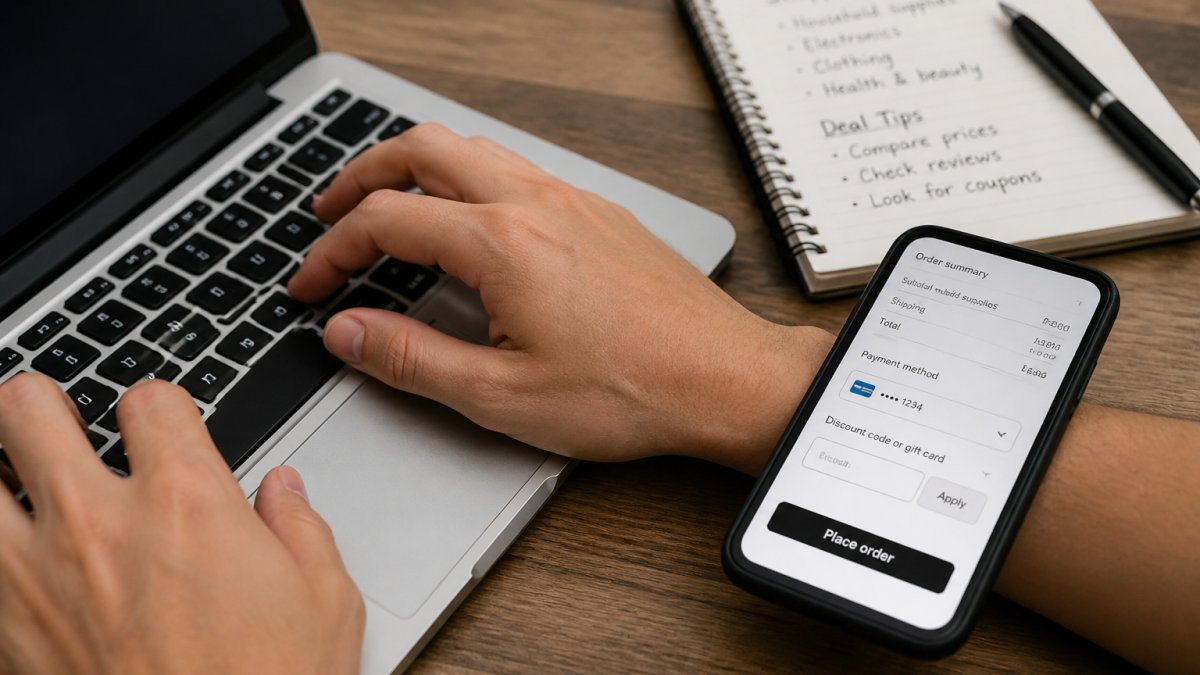
Before you type an email or card number anywhere, it pays to know how to check the seller too.
Red Flags That Signal a Fake Code
- The page asks for a card number to "activate" a free code
- The code requires you to install unrelated software first
- The site has no contact information or company name
- The offer promises an unrealistic discount on everything
- The URL is a lookalike of the real store's domain
Watch out: entering payment details on a page that is not the retailer's own checkout is the single fastest way to lose money to a fake code offer.
Code Restrictions, Exclusions, and Stacking Rules
Code restrictions decide whether a discount is real for your cart. Terms and conditions spell out eligible items, product exclusions, minimum purchase, and one-time use limits. A percentage discount that excludes the category you are buying is worth nothing, no matter how large the number looks.
Stacking rules are where most shoppers get tripped up. Many stores allow one code per order. Some permit a store coupon plus a manufacturer coupon, and fewer still allow a percentage code alongside a fixed-amount one. Read the terms before you assume two codes will combine.
The Math Behind a Stacked Discount
Discounts rarely add up the way shoppers expect. A percentage code and a fixed-amount code applied together usually calculate in a set order, and the second discount often applies to the reduced total, not the original price. That means the combined savings are smaller than the two numbers suggest.
Shipping thresholds change the math too. If a code drops your cart below a free-shipping minimum, you can lose more on delivery than you gained on the discount.
A Repeatable Search Workflow by Shopping Stage
Run the same short workflow every time, and you stop wasting effort on codes that cannot apply.
- Check the store's own site first. Look for a banner, a welcome popup, or a deals page. These codes are the most reliable.
- Check your inbox and app. Search your email for the store name plus "code" before you look anywhere else.
- Try one coupon database. Pick a listing with a recent verification date and clear eligible items.
- Test at checkout. Apply the code in the cart and read the error message if it fails. It usually tells you why.
- Compare the final price. Confirm the discount and shipping together beat the price you started with.
When a code fails, do not keep guessing. Re-read the eligible items and the minimum purchase, then decide whether a different code or a larger cart gets you there.
Measure real savings at the end, not the start. Compare the final price you paid against the store's listed price before any code. That number, not the discount percentage, is what actually left your account.
Here is the five-step workflow the article recommends running for every purchase.
| Step | What to do |
|---|---|
| 1 | Check the store's own site for banner, popup, or deals page |
| 2 | Search your inbox and app for the store name plus code |
| 3 | Try one coupon database with a recent verification date |
| 4 | Test the code at checkout and read the error message |
| 5 | Compare final price including discount and shipping |
Shop Smarter at MixVanta
The hardest part of code hunting is not finding a code. It is trusting the store enough to use one without worrying about the checkout. That is the problem we built MixVanta to solve.
We bring household supplies, electronics, clothing, and health and beauty into one marketplace, with global currency support. Our 30-day money-back guarantee and free shipping over $70 are available to help reduce the costs that can cancel out a discount.
Get started with MixVanta and put these strategies to work on a cart you can actually trust.
Frequently Asked Questions
How do coupons work?
Coupons are codes or offers that reduce the price of an item or order at checkout. A percentage discount takes a set portion off, while a fixed-amount discount subtracts a dollar figure. Most codes carry terms such as a minimum purchase, eligible items, or an expiration date. Retailers issue them through newsletters, apps, social media, and coupon databases. Always read the terms and conditions before applying a code, because a valid code can still fail if your cart does not meet the requirements.
How can I find promo codes that actually work?
Start with the retailer's own channels: sign up for their email newsletter, download their app, and check their social media for current offers. Then check a reputable coupon database and read the expiration date and restrictions. Browser extensions for coupons can test codes automatically at checkout, but they may not catch every exclusion. Verify the code on the store website before sharing personal information, and have a backup code ready in case the first one fails.
Can I combine a promo code with a sale or free shipping?
Sometimes, but stacking rules vary by retailer. Many stores allow one promo code per order and will not let you combine it with a sale price or free shipping threshold. Others permit a manufacturer coupon alongside a store coupon. Check the terms and conditions for language about stacking, then do the math: a 20% discount on a full-price item may save more than a 10% code stacked on an already-reduced item. Compare the final price before you commit.
How can I tell whether a coupon code is expired or legitimate?
Check the expiration date listed with the code and confirm it is still current. Legitimate codes come from the retailer's own website, email, app, or a well-known coupon database. Be wary of codes that require you to enter payment details or download unknown software. Test the code in the checkout cart before finalizing the order; if it applies and the discount shows in your total, it is working. If a code fails, try another from the same source or contact the retailer's customer service.


