


Table of Contents
- Why Quality Matters When Buying Electronics Online
- How to Verify Seller Reputation Online
- How to Identify Fake Electronics Before Checkout
- How to Read Electronics Product Specifications
- Checking Warranty Coverage and Return Policies
- Analyzing Customer Reviews for Honest Feedback
- Post-Purchase Verification Steps
- Common Mistakes to Avoid When Shopping for Electronics
Buying electronics online carries real risk. You can't hold the product, test it in person, or inspect packaging before committing money. Counterfeit products flood online marketplaces, sellers operate with fabricated reviews, and shipping damage goes unnoticed until you open the box at home.
At MixVanta, we aim to help shoppers navigate these challenges. A counterfeit charger can damage your device or create a fire hazard (the FDA). A refurbished product sold as new wastes your money. A seller with zero accountability disappears after you've paid.
This guide walks you through the exact steps to spot quality electronics online: verify seller legitimacy, identify fake products before checkout, read specifications that matter, and test your purchase after it arrives. These practical filters protect you from the most common buying mistakes.
How to Verify Seller Reputation Online
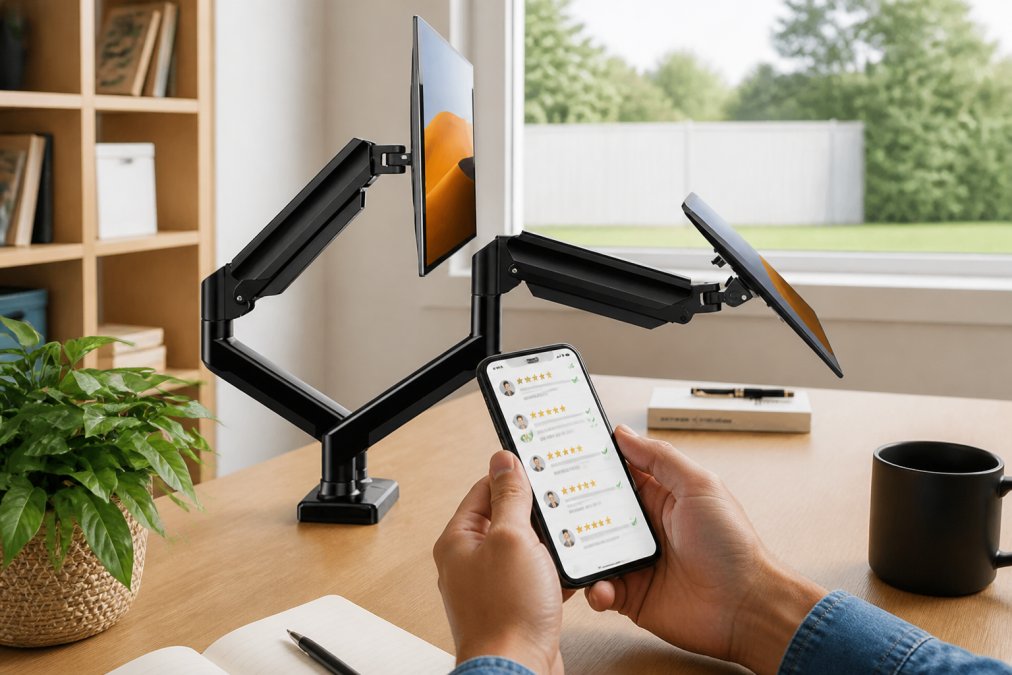
A seller's reputation is your first defense against counterfeit products and poor service. Before you add anything to your cart, investigate who you're actually buying from.
Check the seller's overall rating and review count. A seller with 4.8 stars across 10,000 reviews has far more credibility than one with 4.9 stars across 50 reviews. Volume matters because it's harder to fake thousands of reviews than dozens. Look for patterns in negative reviews, if multiple customers report the same issue (items arriving damaged, products not matching descriptions, slow shipping), that's a warning sign.
Verify the seller's badge status. Authorized retailers, verified merchants, and official brand sellers carry badges indicating they've passed platform verification. These badges mean the seller has provided proof of business legitimacy and meets specific performance standards.
Check how long the seller has been active. A seller operating for five years with consistent positive feedback has demonstrated reliability over time. A seller that just launched last month and is already offering deeply discounted electronics is a red flag.
Read the seller's return policy and customer service details directly. Do they offer a return window? How do they handle defective products? Can you contact them if something goes wrong? Legitimate sellers make this information easy to find.
Search the seller's name on independent review sites and forums. Sometimes patterns of fraud emerge in community discussions that don't appear in official platform reviews.
How to Identify Fake Electronics Before Checkout
Spotting fake electronics requires attention to specific details that counterfeiters often get wrong.
Compare product images across multiple listings. If the same item appears with identical photos on five different seller pages, those sellers likely source from the same wholesale supplier. Authentic products sold by different authorized retailers should have variation in photos. Identical images suggest copy-pasted listings, a common tactic for sellers moving counterfeit stock.
Check packaging details in product photos. Genuine electronics come in original manufacturer packaging with specific design elements, logos, and text. Counterfeit packaging often has blurry logos, misspelled words, or slightly off colors. If image quality is too low to see details clearly, ask the seller for high-resolution photos before buying.
Verify the model number matches the product description. Search the official manufacturer's website using the model number to confirm it's a real product and check authentic specifications. If the model number doesn't exist or doesn't match the product shown, walk away.
Look for price anomalies. If a brand-new flagship smartphone sells for half the manufacturer's recommended price, something is wrong. Genuine deep discounts exist but are usually limited to specific sales periods and come from authorized retailers.
Check the seller's inventory. Do they sell hundreds of the same high-end electronics at once? Legitimate retailers have varied inventory across many product categories.
How to Read Electronics Product Specifications
Product specifications tell you what you're actually getting. Learning to read specs is the difference between a smart purchase and an expensive mistake.
Start with core performance metrics for your device type. For a laptop, that means processor type and generation, RAM amount, storage capacity, and display resolution. For a Bluetooth speaker, it's output wattage, frequency response range, and battery life. These directly determine whether the device meets your needs.
Understand what "refurbished" means in the specifications. Factory refurbished means the manufacturer took back a defective unit, repaired it, tested it, and resold it, usually reliable with warranty coverage (the FTC). Seller refurbished means someone else repaired it, with quality varying wildly. Open box means someone bought it, opened it, and returned it, but it's technically unused. Each category has different risk levels, and the price should reflect that.
Check warranty details in the specifications. Genuine products come with manufacturer warranty coverage. Counterfeit products don't, or they come with fake warranty cards the manufacturer won't honor. If warranty information is missing or vague, contact the seller and ask for exact terms in writing.
Look at connectivity options. Does the device have the ports and wireless standards you need? Cross-reference the specs against the manufacturer's official product page. The official specs should match what the seller is listing.
Pay attention to regional specifications. Some electronics are sold in different versions for different markets. A device sold in Asia might have different voltage, wireless frequencies, or language support than the version sold in North America.
Checking Warranty Coverage and Return Policies
Warranty and return policies are your safety net after you've bought the product.
Understand the difference between manufacturer warranty and seller warranty. Manufacturer warranty covers defects in materials and workmanship, the device maker honors it. Seller warranty is a promise from the retailer to fix or replace the product. If the seller disappears, the warranty disappears with them.
Check warranty length for the specific product category. Electronics warranties typically range from 30 days to two years. Longer warranties can indicate confidence in product quality.
Read the return policy details. How many days do you have to return? Do you need original packaging? Who pays for return shipping? A customer-friendly return policy often covers return shipping and gives you 30+ days.
Look for restocking fees. Some sellers charge a percentage of the purchase price just to process a return. This can be a red flag. Legitimate sellers typically do not penalize you for discovering a product is defective or doesn't meet your needs.
Verify that the return policy is actually enforced. Read recent negative reviews and see how sellers handled returns. If customers report that returns were denied despite the stated policy, shop elsewhere.
Analyzing Customer Reviews for Honest Feedback
Customer reviews are the most reliable source of real-world information about product quality. Learning to separate genuine feedback from manipulation saves you from bad purchases.
Look for reviews that describe specific problems and solutions. A genuine review says: "The battery lasted only two hours instead of the claimed eight. I contacted the seller and they replaced it within a week." A fake review says: "This is amazing! Best purchase ever!" with no details.
Check review dates and patterns. If a product has 50 five-star reviews posted on the same day, those are likely fake. Legitimate products accumulate reviews gradually over weeks and months.
Read the one-star and two-star reviews carefully. If multiple reviewers report the same defect, that's a pattern worth taking seriously. One negative review might be an outlier. Five reviews describing the same problem means the product has a real quality issue.
Pay attention to reviewer history. A reviewer who has posted 200 reviews across many product categories is likely genuine. A reviewer with only one review, posted five minutes after the product was listed, is probably fake.
Look for reviews mentioning the product's age or condition. "I bought this three years ago and it still works perfectly" is valuable long-term reliability data.
Check if the seller responds to negative reviews. A seller who engages with complaints demonstrates accountability.
Post-Purchase Verification Steps
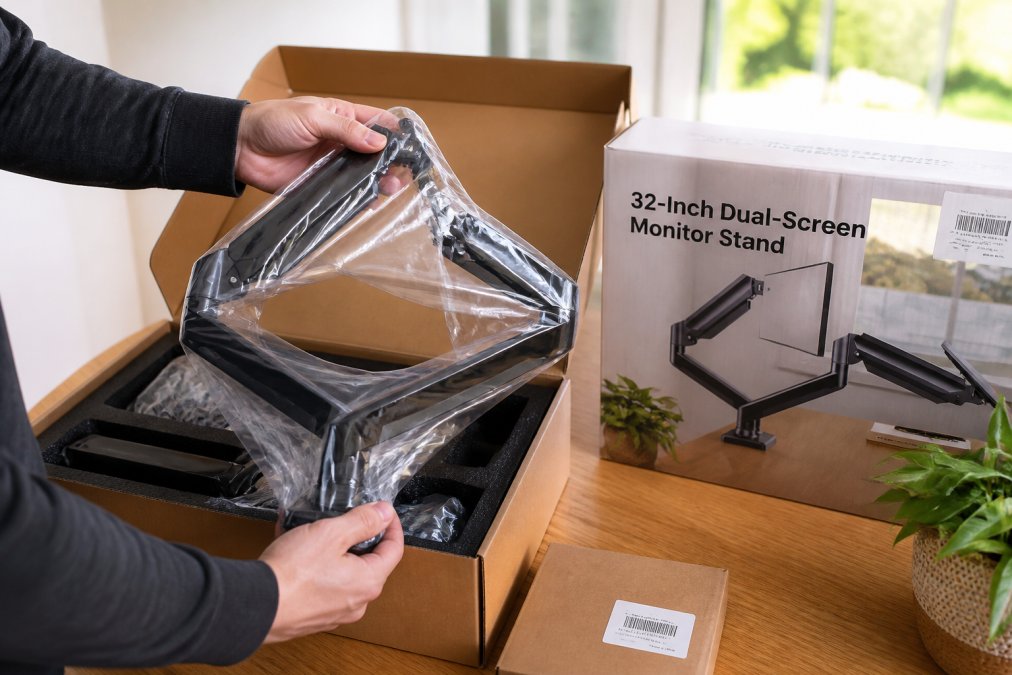
Your verification doesn't end when the package arrives. The final check happens when you unbox the product and inspect it for authenticity and quality.
Open the package carefully and inspect the box condition. Genuine products come in clean, properly sealed boxes with no visible damage. Check that the box design matches what you see on the manufacturer's official website.
Verify the serial number immediately. Every genuine electronics product has a unique serial number, usually on a sticker inside the box or on the device itself (nist.gov). Visit the manufacturer's website and use their serial number verification tool. This tells you if the product is genuine, when it was manufactured, and what warranty coverage it has. If the serial number doesn't verify or comes back as already registered to another owner, you have a counterfeit or stolen product.
Check physical build quality. Does the device feel well-made? Are seams aligned? Is the finish consistent? Counterfeit products often have rough edges, uneven gaps, or paint that chips easily.
Test basic functionality immediately. Power on the device. Check that all buttons work. Verify that ports and connections function. Don't wait a week to test, if something is broken, you want to process a return while the package is still in your hands.
Examine documentation and accessories. Genuine products come with proper manuals, warranty cards, and all listed accessories. Counterfeit products often have photocopied manuals with poor print quality or missing accessories.
Register the product with the manufacturer if they offer registration. This activates warranty coverage and confirms you're the legitimate owner.
Keep all packaging and documentation until the return window closes. If you discover a problem, you'll need the original box and receipt to process a return.
Common Mistakes to Avoid When Shopping for Electronics
Most people make the same predictable errors when buying electronics online.
Don't rely solely on price to judge quality. The cheapest option is often cheap for a reason. It might be counterfeit, refurbished and mislabeled as new, or from a seller with no accountability. Compare prices across multiple authorized retailers.
Don't skip the seller verification step. You can save money by buying from an unknown seller, but you risk losing your entire investment if the product never arrives or is counterfeit.
Don't assume platform verification means the product is genuine. Marketplaces verify sellers as businesses, not products. A verified seller can still sell counterfeit goods.
Don't ignore specification mismatches. If the product title says one thing and detailed specs say another, contact the seller and get clarification in writing before buying.
Don't buy the absolute newest product release immediately. First-generation products often have quality issues that manufacturers fix in later revisions. Wait for reviews to accumulate.
Don't ignore warranty details. A product with no warranty or a warranty the seller won't honor is a liability.
Don't make your purchase decision based on a single positive review. Read at least 20-30 reviews across different rating levels.
Don't skip post-purchase verification steps. Many people open a product, assume it's fine because it powers on, then discover it's counterfeit weeks later when it fails.
Conclusion
Spotting quality electronics online requires systematic verification across multiple checkpoints: seller reputation, product authenticity, specifications, warranty coverage, customer feedback, and post-purchase testing. Each step filters out a different category of risk.
When you're ready to shop for quality electronics with confidence, MixVanta offers a curated marketplace with transparent product information. Our platform features free shipping options, a 30-day money-back guarantee, and seller verification that protects your purchase. For example, consider enhancing your workspace with the 32-Inch Dual-Screen Monitor Stand for $228.99, or enjoy immersive sound with the Magnetic Split Bluetooth Subwoofer Speaker for $72.99. You can also turn any wall into a personal theater with the Portable Small Projector for $112.99, or add a touch of modern elegance with the 3D Illusion Night Light for $62.99. Shop with the security of knowing your investment is protected.


Frequently Asked Questions
What are the red flags of fake electronics on e-commerce sites?
Watch for suspiciously low prices, missing or blurry product photos, vague model numbers, and sellers with no verified feedback. Counterfeit products often arrive in generic packaging without original branding, instruction manuals, or warranty documentation. Check if the seller offers a manufacturer warranty, authentic electronics typically include this coverage. Be cautious of listings with poor grammar, inconsistent product descriptions, or sellers unwilling to provide serial numbers before purchase.
How do I verify the authenticity of electronics from online marketplaces?
Request the serial number from the seller before buying and verify it through the manufacturer's website. Upon arrival, check that packaging matches the manufacturer's standards, includes original documentation, and features security holograms or serial number stickers. Compare the model number on the device with the listing to ensure they match exactly. Contact the manufacturer's tech support with your serial number to confirm it's registered as authentic. Avoid refurbished items presented as new, and always confirm the seller is authorized by the brand.
Are online reviews reliable for judging electronic quality?
Verified purchase reviews from customers who actually bought the item carry more weight than unverified feedback. Look for detailed reviews that mention specific features, durability over time, and real-world performance rather than generic praise. Cross-reference reviews across multiple platforms to spot patterns. Be skeptical of products with only five-star ratings or reviews that seem promotional. Read recent reviews (within the last 3-6 months) since older feedback may not reflect current product batches or seller practices. Check if reviewers mention warranty claims or returns, which indicate quality issues.
What should I look for in product specifications to ensure quality?
Verify that specs include complete technical details: wattage, voltage, processor type, RAM, storage capacity, and certifications like FCC or UL approval. Authentic electronics list the manufacturer's contact information and detailed warranty terms. Compare specs against the official brand website to confirm accuracy, mismatched specifications are a counterfeit indicator. Check for vague descriptions like 'high performance' without actual metrics; legitimate sellers provide measurable data. Ensure the product includes relevant safety certifications for your region and that the specifications match customer reviews describing real-world performance.
This article was written using GrandRanker


